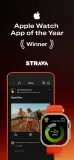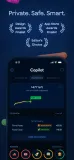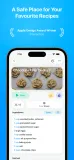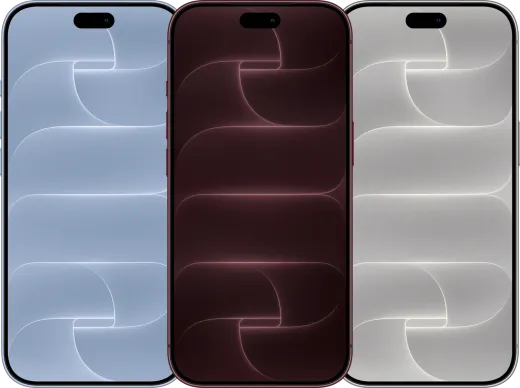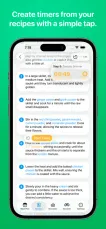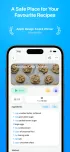
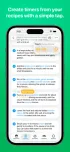
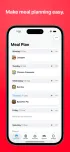
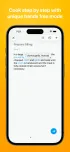
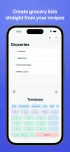
Professional results in no time
One sentence about your app and who it's for. Five frames come back laid out, typeset and on a device, at every store size, ready for the store.
NewDescribe your app, get a full set in seconds
ScreenshotsKit is an App Store screenshot generator. Tell it what your app does and who it's for, get a ready-to-ship set, then refine every frame in the editor.
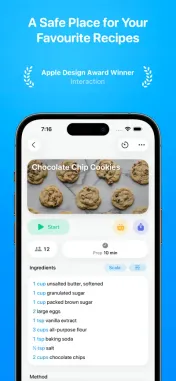
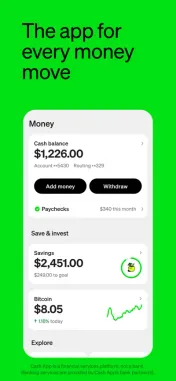
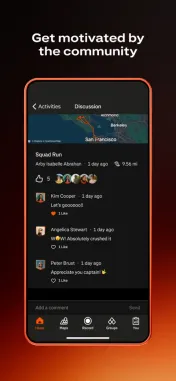
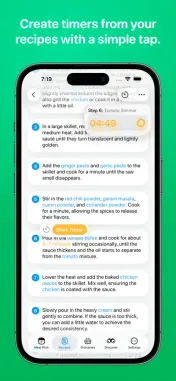
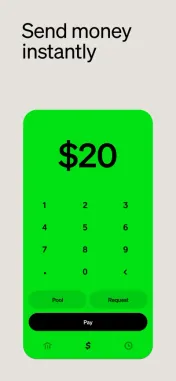
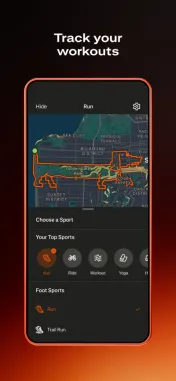
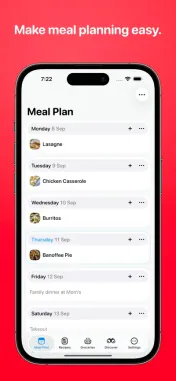
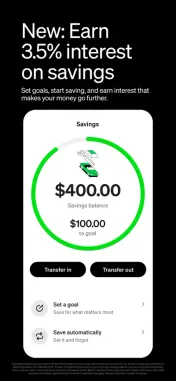
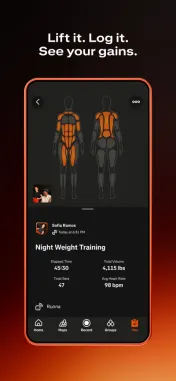
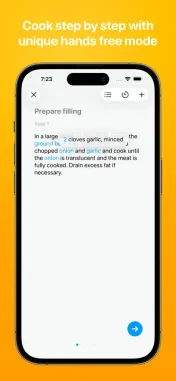
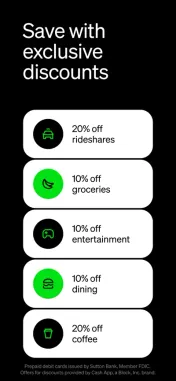
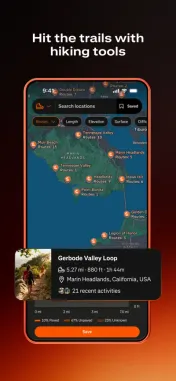
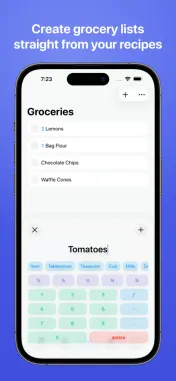
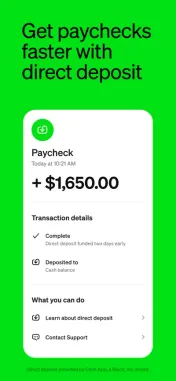
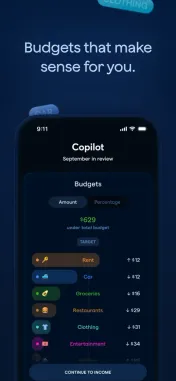
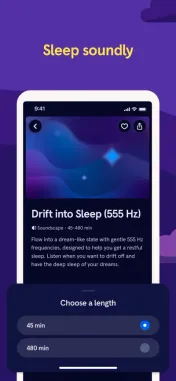
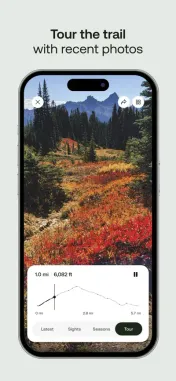
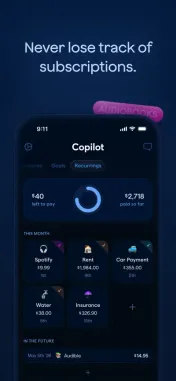
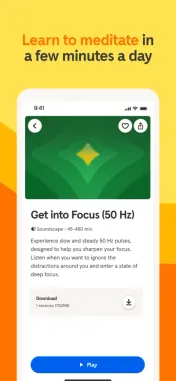
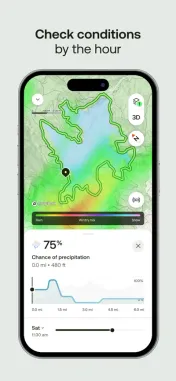
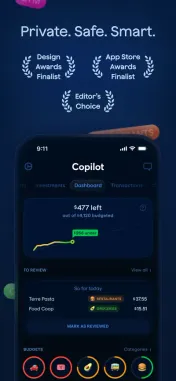
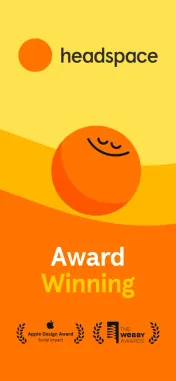
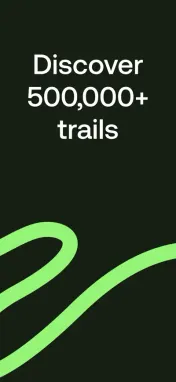
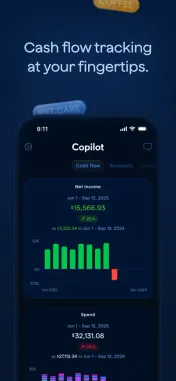
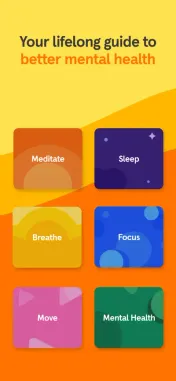
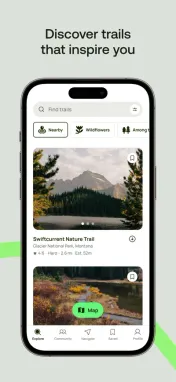
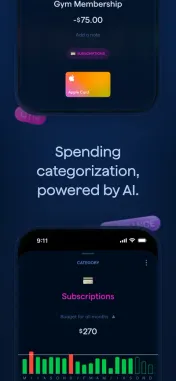
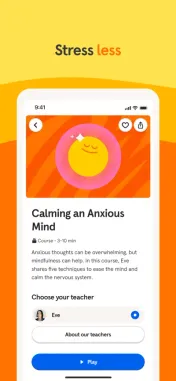
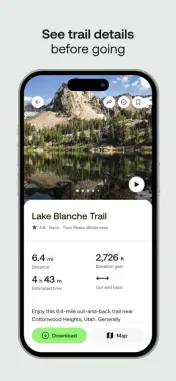
Typefaces, palettes and layouts are picked to fit what your app does and who it's for. Pick one to start your set from it.
From the first sentence to the last export, in one place.
One sentence about your app and who it's for. Five frames come back laid out, typeset and on a device, at every store size, ready for the store.
One message changes the whole set. The editor changes one frame. Both free.
Typefaces, palettes and layouts chosen by hand for what your app does, not sampled off the internet.
iPhone 18 Pro, Pixel, Galaxy and iPad Pro, real or clay, at every angle.
Your font, your logo, your images and your real screens, untouched. Nothing is repainted or approximated.
Three ways to get your screenshots
A designer gives you quality and takes weeks. An image generator is quick but looks like AI. ScreenshotsKit gives you both and keeps every change free.
| Designer | AI image generator | ScreenshotsKit | |
|---|---|---|---|
| Time to a set | 1–2 weeks | Under a minute | Under a minute |
| Cost | $50–200 a set | $5–10 a set | Free, no subscription |
| A small change | 1–2 days | 1–2 minutes | Instant |
| Looks like | Hand-made | AI | Hand-made |
| Across five frames | Consistent | Drifts | Consistent |
| Your screens, real text | Yes | Repainted, misspelt | Yes, untouched |
| Sizes and languages | Extra, per size | Prompt and hope | Every one, included |
A tool that turns your app's screens into the marketing screenshots a store listing shows. ScreenshotsKit starts from one sentence about your app, designs the whole set and lets you refine every frame.
Most screenshot makers hand you a template and an editor, and the design is still your job. ScreenshotsKit designs the whole set from one sentence about your app, then gives you the editor for the finish.
Every size the App Store and Google Play ask for: iPhone 6.9″ and 6.5″, iPad 13″ and 12.9″, and Play's phone and tablet sizes, from one set.
Yes. Drop in your screenshots or paste your App Store link and the set is built around your real screens, not mock-ups.
No. The layouts, typefaces and palettes are hand-made Looks. The AI arranges your content inside them; it does not paint pictures.
Yes. Pick the languages and every frame is translated with the layout kept, ready for each localised listing.
Yes. The free plan has limits; raise them when you need more. No subscription, ever.
Free to start. Export at every App Store size.
Describe your app